
Nova Poshta integration
Nova Poshta integration
From a packed order to delivery
Once the warehouse has prepared an order, it is just as important to hand it over to delivery in an organised way. Integrating PRIMUS WMS with Nova Poshta connects the warehouse process with creating the shipment and helps reduce re-entering data.
Order data becomes the basis for further work on delivery. The team follows an agreed scenario: checks the required information, prepares the shipment and keeps the link between the order and its waybill.
Let the parcel travel, not its data between browser tabs.
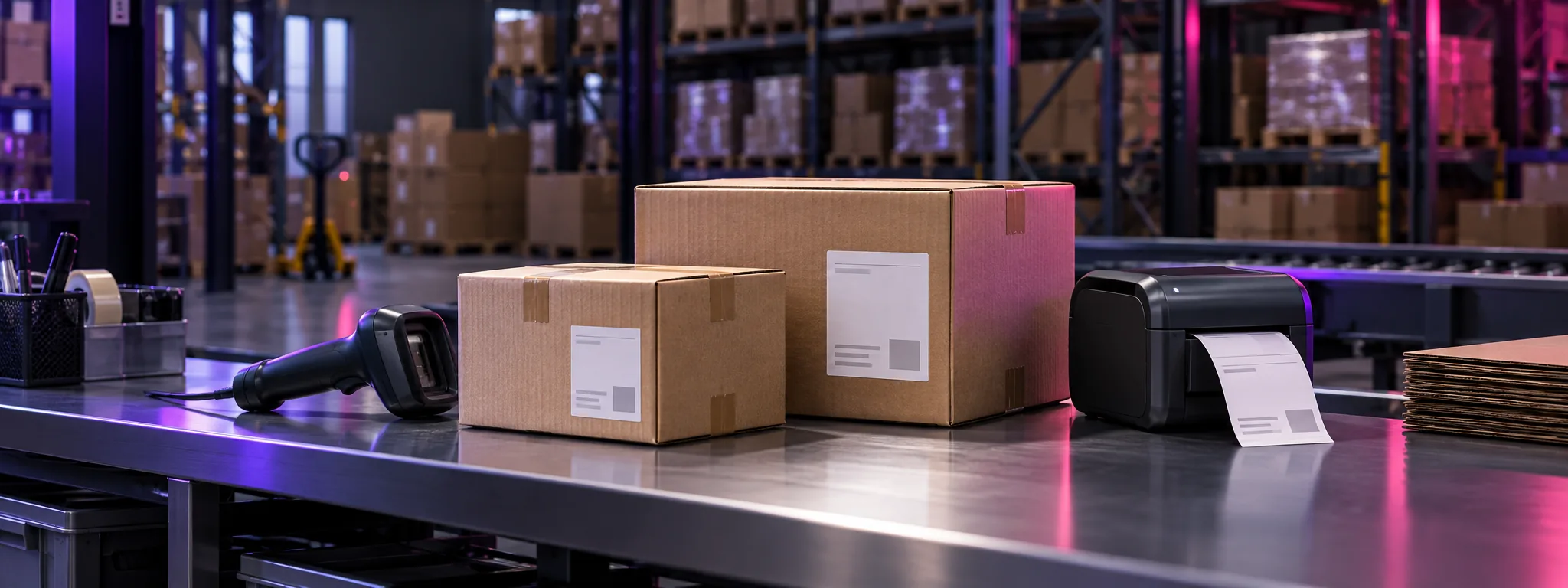
From warehouse to delivery
Even well-organised picking loses pace if afterwards someone has to copy the recipient’s name, phone, address and parcel details by hand. Especially when orders grow and the carrier pickup time is getting close.
The goal of the integration is to make arranging delivery a continuation of warehouse work. An agreed data exchange reduces repetitive actions and helps the team see which shipment belongs to which order.
What it gives your team
-
Less re-entering.
Using data that is already prepared reduces the need to copy the same information by hand.
-
A clear link to the order.
The waybill number and the order are linked within the agreed working scenario.
-
Consistent preparation for shipping.
Staff know at which stage delivery is arranged and which data needs checking.
Integration capabilities
We define the set of functions according to your processes and the agreed PRIMUS WMS configuration. The scenario may include the following capabilities.
-
Preparing shipment data
Using information about the recipient, delivery point and cargo parameters. Data sources and validation rules are agreed during connection.
-
Creating a waybill
Creating a waybill from the prepared data and storing its number linked to the order.
-
Printing documents and labels
Preparing the printed forms provided by the integration for packing and handing over shipments. Formats and equipment are agreed separately.
-
Receiving shipment statuses
Showing the information returned by the carrier. The set of statuses and how often they update depend on how the exchange is implemented.
How it works in the warehouse process
- Order The order is prepared for shipping. At an agreed point in the process the recipient details and parcel parameters are defined.
- Data check The responsible employee checks the required information. After the agreed action the system sends a request to create the shipment.
- Waybill The received waybill number is linked to the order. If the function is available, labels and printed documents are prepared.
- Handover to the carrier The parcel is handed over to the carrier. If status exchange is connected, the team sees updates received from Nova Poshta.
A created waybill does not yet mean the parcel has been handed over: the carrier physically receives it only at the last step.
Connection tailored to your process
We start with how you work now: where orders come from, who checks delivery details, where goods are packed and when shipments are created. On that basis we agree the scope of the integration, set up the exchange and test the working scenarios.
Want to bring warehouse and delivery into one process? Tell us how your shipping is organised and we will define the right connection scenario.